 Captio
Subtitles and transcripts, made entirely on your PC.
Drop in a video or audio file and get clean SRT subtitles or a text transcript. No uploads, no accounts, no per-minute fees. Pay once, keep it.
Private by design
Audio, video and transcripts are processed on your computer and never sent to us or anyone else. No analytics, no crash reports, no update checks.
Pay once
One lifetime license for €10. No subscription and no usage limits. Cloud tools charge by the minute, this doesn't.
No internet needed to transcribe
Transcription runs on your own PC. The Base speech model is included, and bigger models are optional downloads for better accuracy.
Subtitles that read well
Cues are built for reading: at most two lines of about 42 characters, split at sentence ends and real pauses, timed to the speech.
From file to subtitles in a few clicks
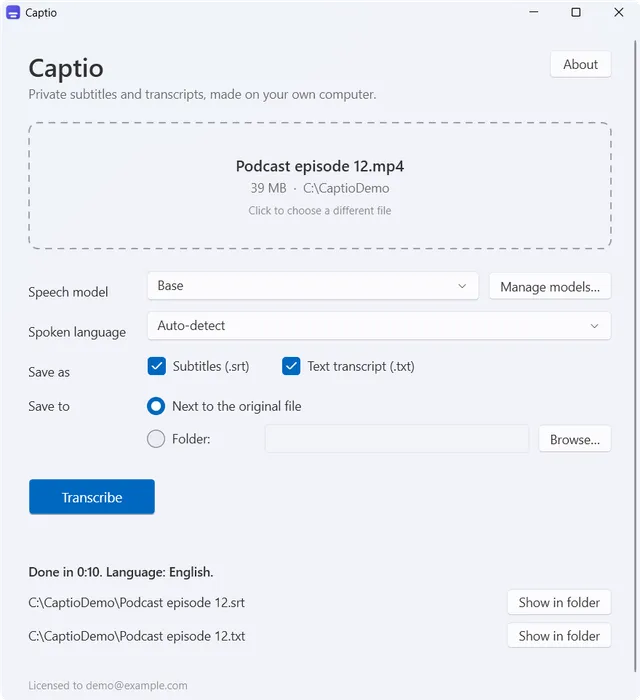
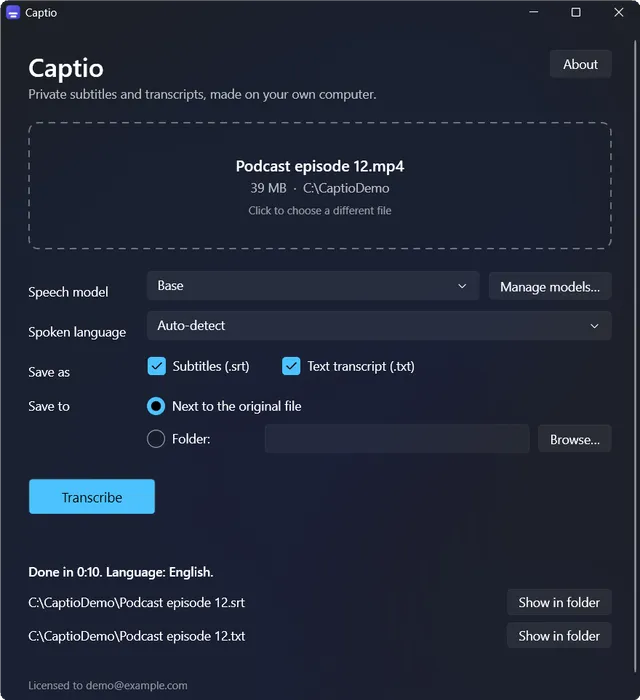
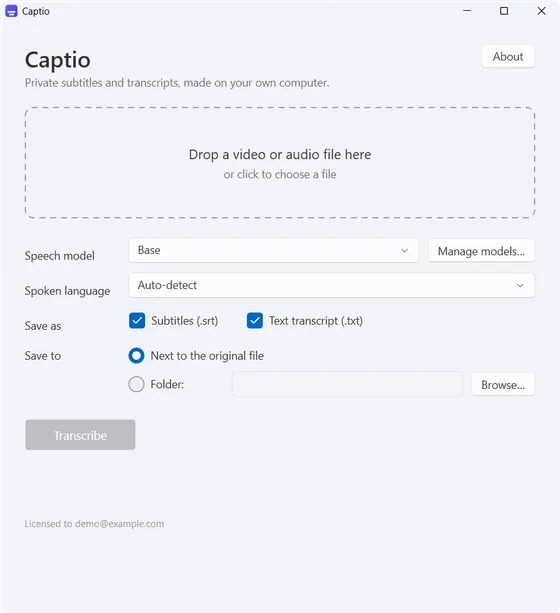
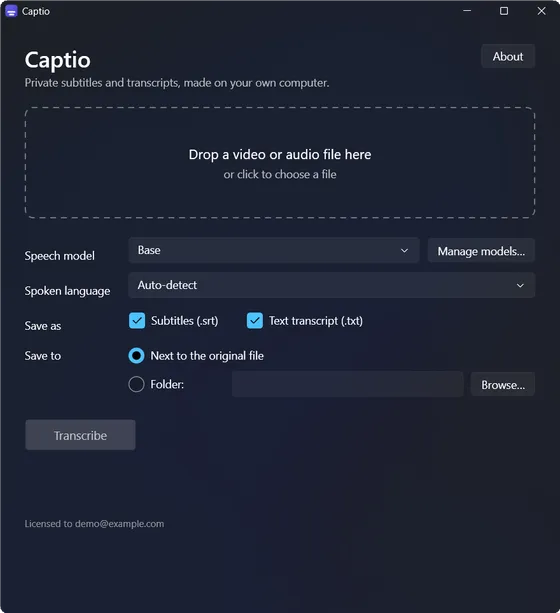
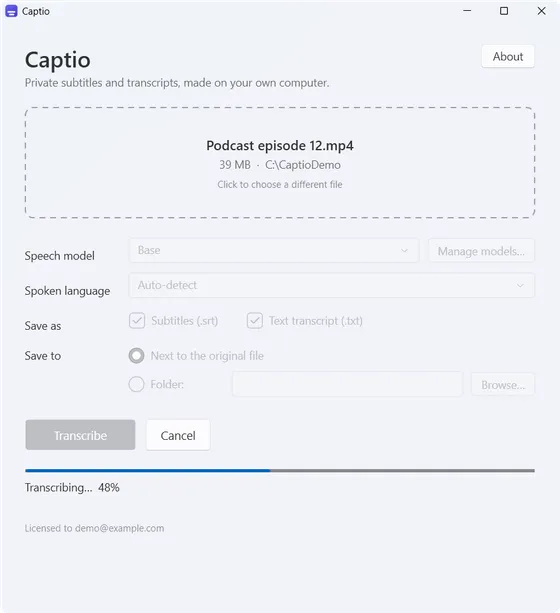
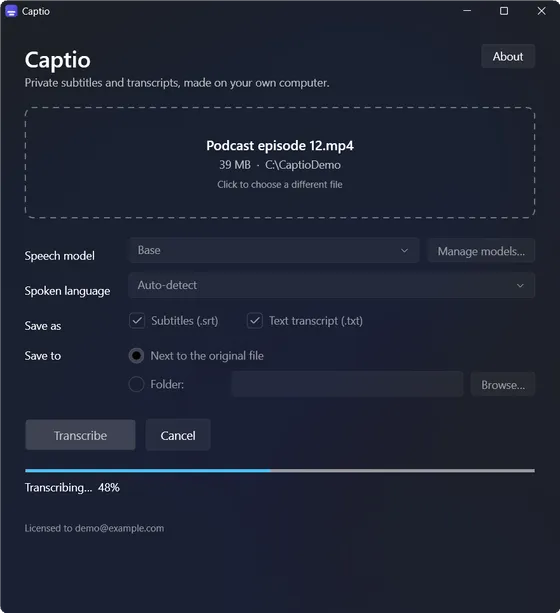
- Drag a video or audio file into the window.
- Pick the language, or let it detect it. 99 languages are supported.
- Get a
.srtand/or.txtnext to the file, or in a folder you choose.
Drop the result straight into your video editor or player.
1
00:00:01,200 --> 00:00:04,050
Welcome back to the show. Today we're
talking about recording at home.

2
00:00:04,600 --> 00:00:07,900
Let's start with the microphone.
See it in use
Speech models
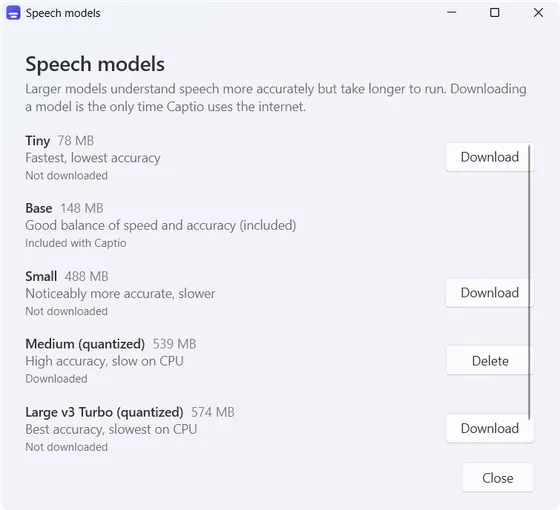
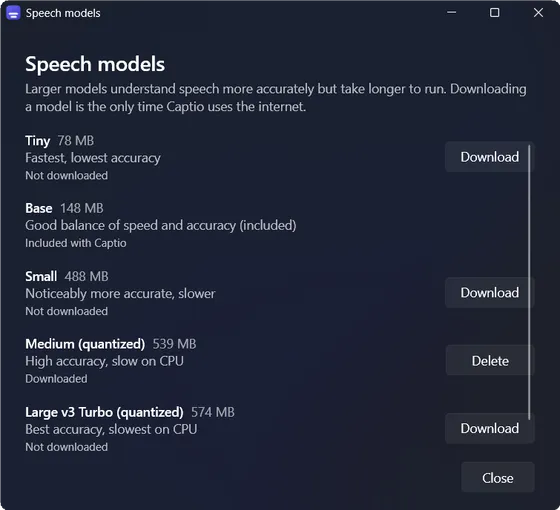
Base is built in. The others download inside the app when you want them. More accurate models are slower.
| Tiny | optional download, about 78 MB |
|---|---|
| Base | included (148 MB), no download needed |
| Small | optional download, about 488 MB |
| Medium | optional download, about 539 MB |
| Large v3 Turbo | optional download, about 574 MB |
System requirements
| System | Windows 10 or 11, 64-bit |
|---|---|
| Installer | about 220 MB, per-machine MSI |
| Memory | around 0.5 GB with Base, around 1.1 GB with Medium |
| Processor | 64-bit x86 with AVX2: Intel Core 4th generation (2013) or newer, AMD Ryzen or newer. ARM PCs are not supported. |
| Internet | Needed to activate your license (re-checked about once a day, and it keeps working offline) and to download optional models |
Speed, measured on one laptop with CPU only, so indicative: Base runs about 14× faster than real time (a 12-minute video in roughly 50 seconds). Medium runs about 1.6× real time. Large v3 Turbo is about real time on a CPU.
Roadmap
GPU acceleration
Version 2 will add GPU offloading, so the larger, more accurate speech models run faster. It will be a free update for everyone who has a Captio license, at no additional cost. There is no release date yet.
Good to know
- Transcripts and timings are good, not perfect. Check names and numbers. The included Base model is the weakest.
- Speech in a language other than the selected or detected one can come out empty or garbled.
- Some older Celeron, Pentium and Atom chips (before 2021) have AVX switched off and won't run it. Any PC that officially runs Windows 11 is fine otherwise.
- Not included yet: GPU acceleration (planned for v2, see the roadmap), VTT export, batch processing, speaker labels, live transcription, macOS or Linux.